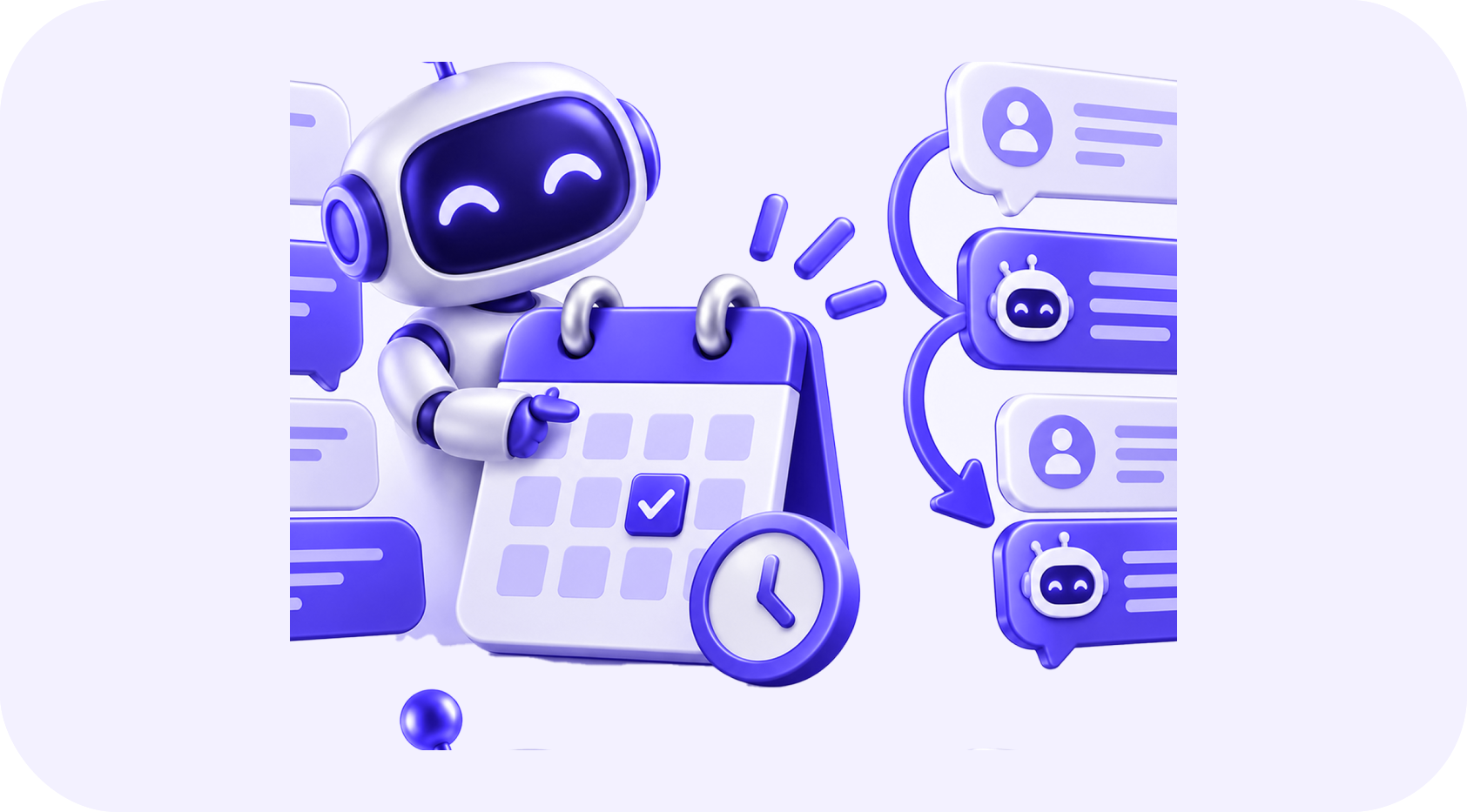
Scheduling is one of the most visible parts of a patient's experience. A person may need to call several times, wait for confirmation, complete the same information repeatedly, or discover too late that the appointment requires preparation.
Healthcare teams face the other side of the problem: high call volume, manual reminders, incomplete intake, cancelled appointments, and unused schedule capacity.
Appointment automation can improve access and reduce administrative work, but it must be built with privacy, accessibility, clinical boundaries, and human support in mind.
A good scheduling system does more than fill a calendar. It helps the right patient reach the right service with the right preparation.
01Map the Patient Scheduling Journey
The journey may include:
- Service inquiry or referral
- Basic routing and eligibility
- Provider and location selection
- Appointment scheduling
- Confirmation and preparation
- Intake completion
- Reminder and attendance
- Rescheduling or cancellation
- Follow-up and next appointment
Each step should have a clear owner and fallback path.
02Offer Appropriate Booking Options
Self-scheduling can be convenient for suitable appointment types. Other visits may require referral review, insurance verification, clinical triage, or staff approval.
Define which services can be booked directly and which require review. Calendar rules should include provider, location, appointment type, duration, equipment, room, age range, and other operational requirements.
Never use a marketing chatbot to make a clinical decision it is not authorized to make.
03Use Confirmation and Reminders Effectively
A confirmation should include:
- Date and time
- Correct time zone where relevant
- Provider or department
- Location or telehealth instructions
- General preparation requirements
- Arrival guidance
- Cancellation and rescheduling options
- A contact route for questions
Reminder timing should match the service. An appointment requiring fasting, documents, transportation, or medication instructions may need earlier preparation from approved clinical content.
Avoid including unnecessary sensitive information in an SMS preview or unsecured email.
04Make Rescheduling Simple
Patients sometimes miss appointments because changing the time is difficult. Include an accessible path to reschedule or cancel, within the organization's rules.
When a slot is released, a waitlist workflow can notify suitable patients who have requested an earlier appointment. The process should protect privacy, avoid double booking, and close the offer when the slot is filled.
High-risk or time-sensitive appointments may require personal outreach rather than an automatic cancellation flow.
05Improve Intake Without Creating Barriers
Digital intake can reduce repeated data entry, but not every patient has the same language, ability, device access, or technical confidence.
Use short, clear instructions and provide an alternative. Save progress when appropriate, validate important details, and send sensitive information only through approved secure systems.
Do not request information before it is necessary. Separate basic scheduling details from clinical history and payment information according to system and access requirements.
06Route Inquiries to the Right Team
Automation can distinguish general scheduling, billing, records, referral, prescription, and urgent-support requests at a basic level. It can create a task or route the message to an appropriate queue.
However, emergency and clinical-triage language requires carefully designed escalation. The system must provide approved instructions and should never delay access to urgent help.
07Connect the Systems Carefully
Healthcare organizations may use an electronic health record, practice management platform, CRM, contact centre, forms, payment tools, and messaging services.
Define the source of truth for:
| Information | Typical owner |
|---|---|
| Clinical record | Approved clinical system |
| Provider availability | Scheduling or practice management system |
| General marketing preferences | Approved CRM or communication platform |
| Appointment status | Scheduling system with controlled synchronization |
| Billing status | Billing or practice management system |
Avoid copying complete clinical records into general automation platforms.
08Protect Privacy and Access
Healthcare data requires strong safeguards appropriate to the country, service, and organization.
Use:
- Role-based access
- Secure authentication
- Encryption and approved integrations
- Minimal data sharing
- Audit logs
- Retention and deletion rules
- Vendor review
- Staff training
- Incident-response procedures
Obtain appropriate compliance and legal guidance. A software feature being available does not automatically make its use appropriate for protected health information.
09Where AI Can Support the Journey
AI may help answer general administrative questions, find approved information, summarize non-clinical requests, translate simple instructions with review, and route messages.
It should not diagnose, recommend treatment, decide urgency without an approved clinical process, or expose information to the wrong person. Uncertain and sensitive interactions should move to trained staff.
10Measure Patient and Operational Outcomes
Track:
- Time required to schedule
- Call abandonment
- Appointment confirmation rate
- Intake completion
- Cancellation and no-show rates
- Rescheduled appointments
- Waitlist fill rate
- Staff time spent on routine scheduling
- Patient complaints and accessibility issues
- Automation errors and manual corrections
Measure by appointment type and location because different services have different operational patterns.
11Implement Safely
Start with a low-risk appointment type and a limited group of users. Test booking, reminders, incorrect information, rescheduling, cancellations, accessibility needs, portal failures, and requests for a person.
Include administrative and clinical stakeholders in the design. Review the workflow after launch and keep a clear method for staff to pause or override automation.
12Improve Access Without Removing Support
Healthcare appointment automation can make routine scheduling faster and more consistent. It can reduce repetitive work and help patients prepare properly.
The strongest system combines convenient digital options with easy access to people when the situation is sensitive, uncertain, urgent, or simply easier to explain in a conversation.
Written by
The InvexTech Team
We design and build AI, CRM and software systems for growing businesses, and write about what we learn doing it.