Choosing a CRM is not only a software decision. It shapes how marketing, sales, service, and management work together.
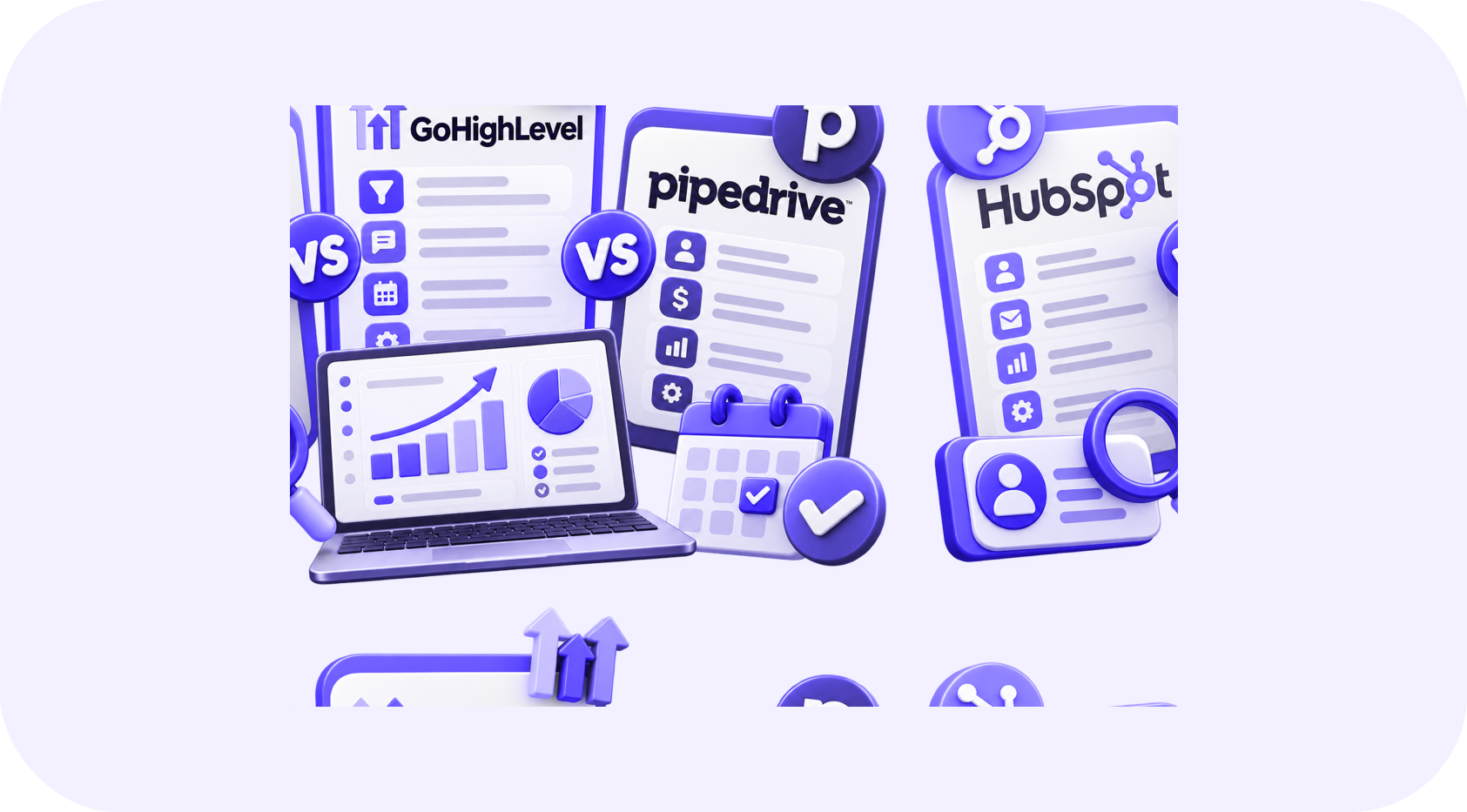
HubSpot, GoHighLevel, and Pipedrive can all manage contacts and deals, but they are designed around different priorities. HubSpot offers a broad customer platform. GoHighLevel combines CRM, communication, funnels, calendars, and automation for agencies and service businesses. Pipedrive focuses on visual sales pipeline management and salesperson productivity.
The best option is not the platform with the longest feature list. It is the one that fits your customer journey, team structure, budget, and integration requirements.
01Quick Comparison
| Area | HubSpot | GoHighLevel | Pipedrive |
|---|---|---|---|
| Primary strength | Connected marketing, sales, service, and content | All-in-one lead generation and appointment automation | Simple visual sales pipeline |
| Best fit | Growing teams needing a wider customer platform | Agencies and appointment-based service businesses | Sales-led small and midsize teams |
| Marketing automation | Strong, especially on higher plans | Strong built-in workflow and messaging tools | Available, but sales remains the core focus |
| Appointment booking | Available and connected to CRM | Central part of the platform | Available through scheduling features and integrations |
| Website and funnels | Content and landing-page tools | Funnels, forms, surveys, and websites | Usually handled through integrations |
| Ease for sales teams | Powerful but can become complex | Flexible but requires structured setup | Usually the simplest pipeline experience |
| Reporting | Broad reporting across connected hubs | Useful operational and campaign reporting | Clear sales and pipeline reporting |
Features and limits can change, so confirm the current plan before purchasing.
02When HubSpot Is the Better Choice
HubSpot is a strong option when marketing, sales, customer service, and content need to share one customer record. A business can begin with basic CRM functions and add more advanced hubs as its requirements grow.
HubSpot may fit when:
- Marketing and sales need shared lifecycle reporting
- The company uses inbound content and lead nurturing
- Several departments interact with the same customer
- Management needs detailed attribution and forecasting
- A large integration marketplace is important
- The business expects its CRM requirements to expand
The main concern is cost and complexity. Important automation, reporting, permissions, and operational features may require higher plans. A company should calculate the complete future cost, not only the starting price.
HubSpot also requires governance. Without clear fields, lifecycle stages, and ownership, the portal can become difficult to trust.
03When GoHighLevel Is the Better Choice
GoHighLevel is built around acquiring, nurturing, and booking leads. It combines CRM pipelines with email, SMS, phone, forms, funnels, calendars, workflows, reputation tools, and conversational features.
It may fit when:
- Appointment booking is central to the customer journey
- Leads arrive from Meta Ads, Google Ads, websites, and calls
- The team wants communication and CRM activity in one place
- An agency manages systems for several client accounts
- Automated follow-up and missed-call response are priorities
- The business needs funnels and marketing workflows quickly
The flexibility is valuable, but it can create disorder if workflows, tags, pipelines, and sub-accounts are built without standards. HighLevel works best when an experienced owner defines the architecture and documents it.
04When Pipedrive Is the Better Choice
Pipedrive is designed around the daily work of sales teams. Its visual pipeline makes it easy to see deal stages, activities, owners, and next steps.
It may fit when:
- The company has a clear sales-led process
- Representatives need fast adoption and a simple interface
- Pipeline visibility matters more than advanced inbound marketing
- The team wants activity management and forecasting
- Marketing is handled in a separate specialized platform
- The business wants to connect external tools through integrations
Pipedrive can support automation and email, but companies needing a complete marketing and service platform may rely on more integrations than they would with HubSpot or GoHighLevel.
05Compare the Complete Workflow
Do not choose a CRM by comparing isolated features. Test how each platform handles your complete journey.
Lead capture
Can it receive contacts from your website, advertisements, calls, events, and partner sources while preserving attribution?
Qualification
Can the team store the required information and route opportunities correctly?
Follow-up
Can it coordinate personal tasks with automated email, SMS, or other approved channels?
Appointment or sales activity
Does scheduling connect naturally with the contact, deal, owner, and follow-up?
Proposal and closing
Can the system track documents, decisions, products, and expected revenue?
Customer handoff
Can sales information move cleanly into onboarding, delivery, billing, and support?
Reporting
Can leadership connect acquisition cost, pipeline movement, conversion, and revenue?
06Questions to Ask Before Deciding
- How many employees need access now and in two years?
- Which communication channels must be included?
- Do you need advanced marketing journeys or mainly sales management?
- Is appointment booking a major conversion point?
- Which tools must exchange data with the CRM?
- What permissions and compliance controls are required?
- Who will maintain workflows and data quality?
- What will the platform cost after contacts, users, messages, and add-ons increase?
- How difficult would a future migration be?
07Avoid Choosing Based on Price Alone
A less expensive CRM can cost more if employees perform manual work, data remains disconnected, or reporting cannot answer important questions. An advanced platform can also waste money if the team uses only a small part of it.
Calculate total ownership across:
- Subscriptions and user seats
- Email, phone, SMS, and AI usage
- Setup and data migration
- Custom integrations
- Team training
- Ongoing administration
- Reporting and data cleanup
08A Simple Recommendation
- Choose HubSpot
- when you need a broad customer platform connecting marketing, sales, service, and content.
- Choose GoHighLevel
- when lead follow-up, multi-channel communication, funnels, and appointment booking are the main priorities.
- Choose Pipedrive
- when the team needs a focused, easy-to-use sales pipeline and prefers specialist tools for other functions.
There is no universal winner. Begin with your process, test the most important workflows, and select the system your team can use consistently.
Written by
The InvexTech Team
We design and build AI, CRM and software systems for growing businesses, and write about what we learn doing it.