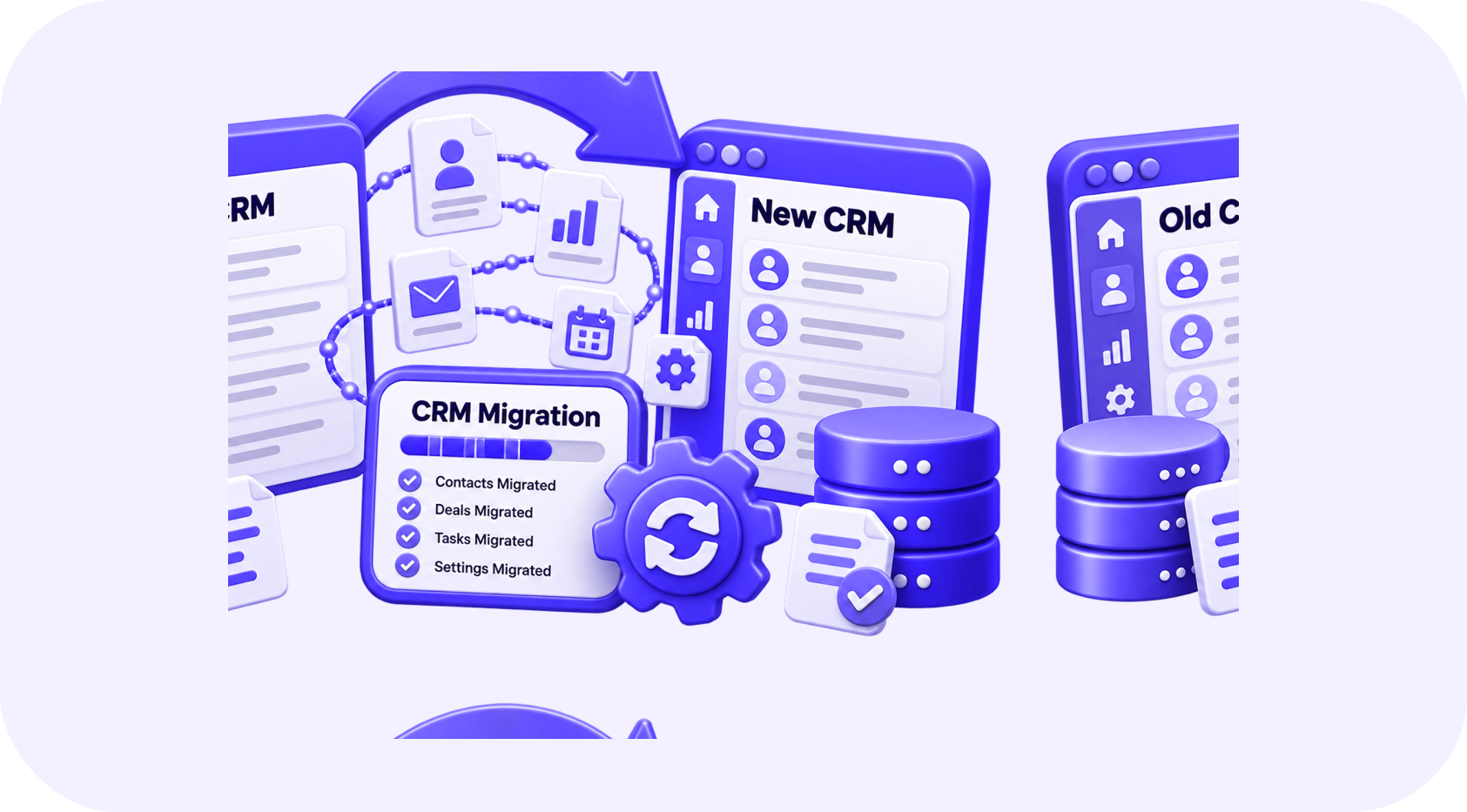
Businesses often change CRM platforms because the existing system no longer fits their sales process, costs too much, lacks automation, or has become difficult to maintain.
The move can create major improvement, but it also carries risk. Contacts may be duplicated, deal history can disappear, consent records may be damaged, and integrations can stop working.
A safe migration is not a single export-and-import action. It is a controlled business project involving data, workflows, users, permissions, and reporting.
The objective is not to copy the old CRM exactly. It is to preserve valuable information while building a cleaner future process.
01Begin With a Migration Inventory
Document what exists before changing anything.
- Contacts, companies, leads, and deals
- Custom fields and allowed values
- Pipelines and stages
- Activities, tasks, notes, calls, and meetings
- Email and message history
- Files, forms, and documents
- Products, quotations, and revenue values
- Marketing subscriptions and consent records
- Automations and lead-scoring rules
- Integrations and API connections
- Dashboards and scheduled reports
- Users, teams, roles, and permissions
Identify who owns each area and whether it is still used.
02Clean Before You Move
Migration is an opportunity to improve data quality. Importing every old record without review transfers the same problems into the new platform.
Review:
- Duplicate contacts and companies
- Invalid or outdated email addresses
- Inactive test records
- Empty or unused custom fields
- Inconsistent country, industry, and status values
- Deals without owners or next steps
- Contacts without a clear marketing-consent status
- Old workflows that no longer match the business
Keep a protected copy of the original export even when records will not be imported.
03Create a Data-Mapping Document
For each old field, define the destination field, format, transformation, and owner.
| Old data | New destination | Required decision |
|---|---|---|
| Contact status | Lifecycle stage | Map old values to the new process |
| Deal stage | New pipeline stage | Define equivalent business meaning |
| Lead source | Original source | Preserve historical attribution |
| Free-text country | Country dropdown | Standardize values |
| Email permission | Subscription status | Preserve consent accurately |
Do not map fields only because their names look similar. Confirm that they represent the same business meaning.
04Protect Relationships Between Records
A CRM contains connected objects, not isolated spreadsheets. Contacts may belong to companies, deals may include several contacts, and activities may relate to a specific opportunity.
Preserve original IDs in temporary migration fields. They help reconnect objects and investigate errors. Plan the import order so parent records exist before related child records are created.
Test whether the new CRM supports the same relationship structure. If not, define an alternative before importing.
05Handle Communication History Carefully
Not every platform exports and imports email, call, SMS, and note history in the same way. Decide what must remain searchable inside the new CRM and what can be stored in a secure archive.
Historical communication should keep useful context such as date, sender, recipient, channel, and related record. Avoid turning every old message into a new outbound activity or automation trigger.
06Preserve Consent and Suppression Data
Marketing permissions are among the most important records in a migration. Do not reset unsubscribed contacts to subscribed because the new CRM uses a different field.
Preserve:
- Subscription status
- Opt-out date where available
- Communication channel
- Consent source
- Hard bounces and complaint suppressions
- Legal basis or preference information where required
Review the relevant requirements for the regions and industries you serve.
07Rebuild Automations, Do Not Copy Blindly
Old workflows may contain outdated assumptions or workarounds created for platform limitations. Document the purpose of each automation before rebuilding it.
For every workflow, record:
- Business objective
- Entry trigger
- Conditions and branches
- Fields it reads and changes
- Messages it sends
- Connected systems
- Stop conditions
- Error and fallback behavior
- Owner
Rebuild critical workflows in priority order: lead capture, assignment, appointment handling, sales follow-up, customer onboarding, and essential operational notifications.
08Use a Test Migration
Never make the first import the complete production migration.
Choose a representative sample containing different record types, stages, owners, dates, languages, and edge cases. Import it into a controlled environment and validate counts, values, relationships, formatting, permissions, and reports.
Ask real users to complete daily tasks with the sample data. Technical correctness does not guarantee that the CRM is practical for the team.
09Plan the Cutover
Select a migration window
Choose a period that minimizes operational disruption.
Freeze structural changes
Prevent new fields, workflows, and integrations from being added during the final preparation.
Take final backups
Export the latest data and store it securely.
Pause affected automations
Prevent duplicate messages and conflicting updates.
Migrate in the tested order
Record success, failure, and reconciliation counts.
Switch integrations
Update forms, advertising connections, calendars, email tools, and APIs.
Validate critical journeys
Test new leads, assignments, messages, bookings, stage changes, and reports.
Support users closely
Provide documentation and a clear route for reporting problems.
10Reconcile the Result
Compare the old and new systems using more than total contact counts.
Check:
- Contacts and companies
- Open and historical deals by stage
- Record ownership
- Activities and notes
- Subscription and suppression totals
- Pipeline value
- Source attribution
- Required custom fields
- Workflow enrollment
- Integration success
Keep the old system in controlled read-only access for an agreed period when possible. Do not cancel it before the business confirms the new environment is complete.
11Move to a Better Process
A successful CRM migration gives the team cleaner data, clearer pipelines, dependable automation, and better reporting. It should not reproduce years of clutter inside a new interface.
Treat the migration as a business transformation project. Plan carefully, test with real scenarios, preserve critical history, and give employees the training required to trust the new system.
Written by
The InvexTech Team
We design and build AI, CRM and software systems for growing businesses, and write about what we learn doing it.